Everything
inside.
FrameOps runs the business side of your studio, from the first inquiry to the delivered album, and puts an AI assistant to work on the busywork. This is the full inventory, and which plan unlocks each piece.
Get booked
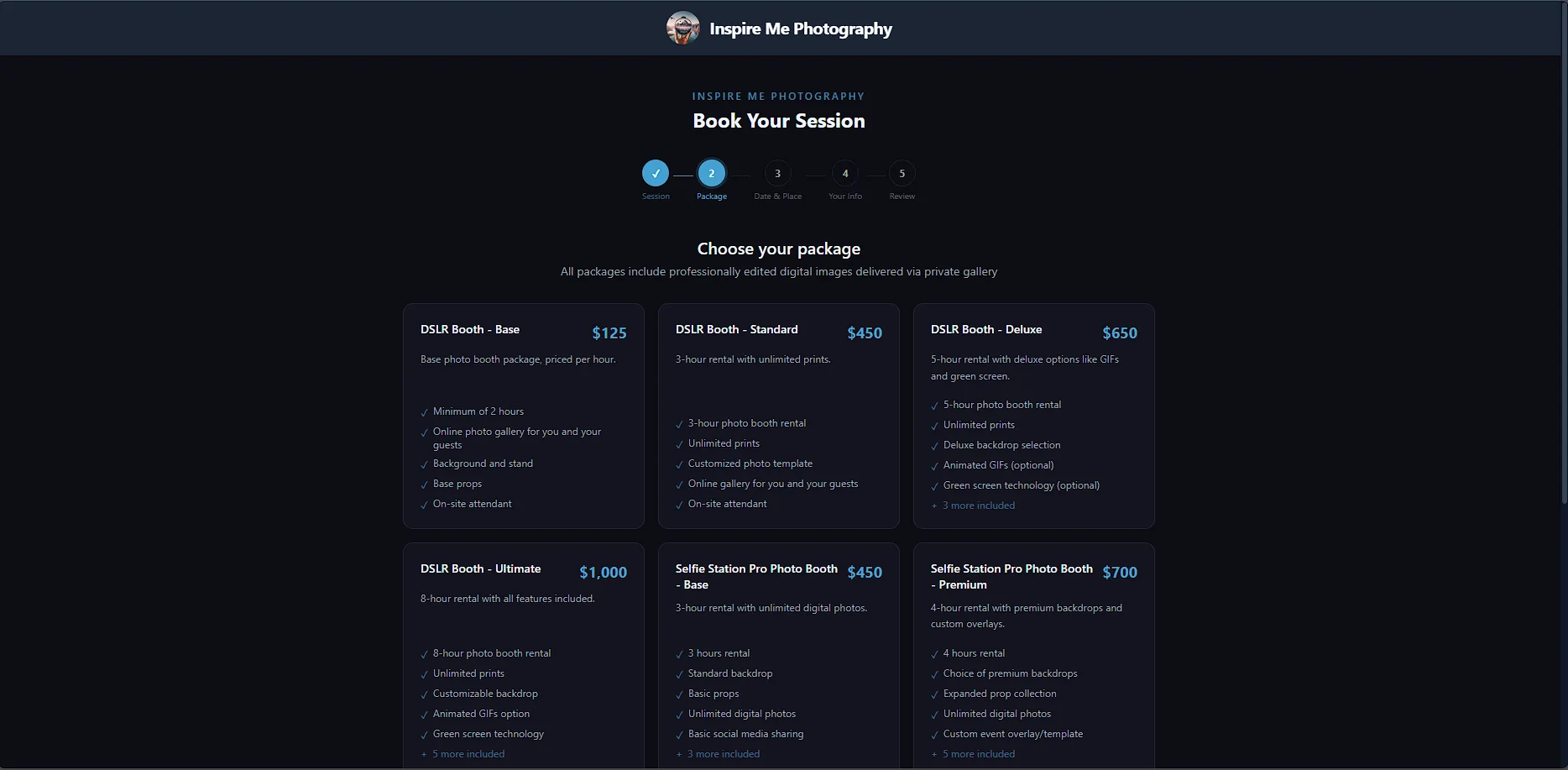
A branded profile, a pricing page, a booking wizard and a digital business card. Every request lands in one inbox, already sorted.
storefrontPublic profile & pricing pageA branded profile with your bio, portfolio, highlight stats, testimonials and a contact form, plus a pricing page where every package has a Book This Package button.All plans · capped on Free
- Portfolio grid with full-screen view
- Contact form drops into your Inquiries inbox
- Share link and downloadable QR code
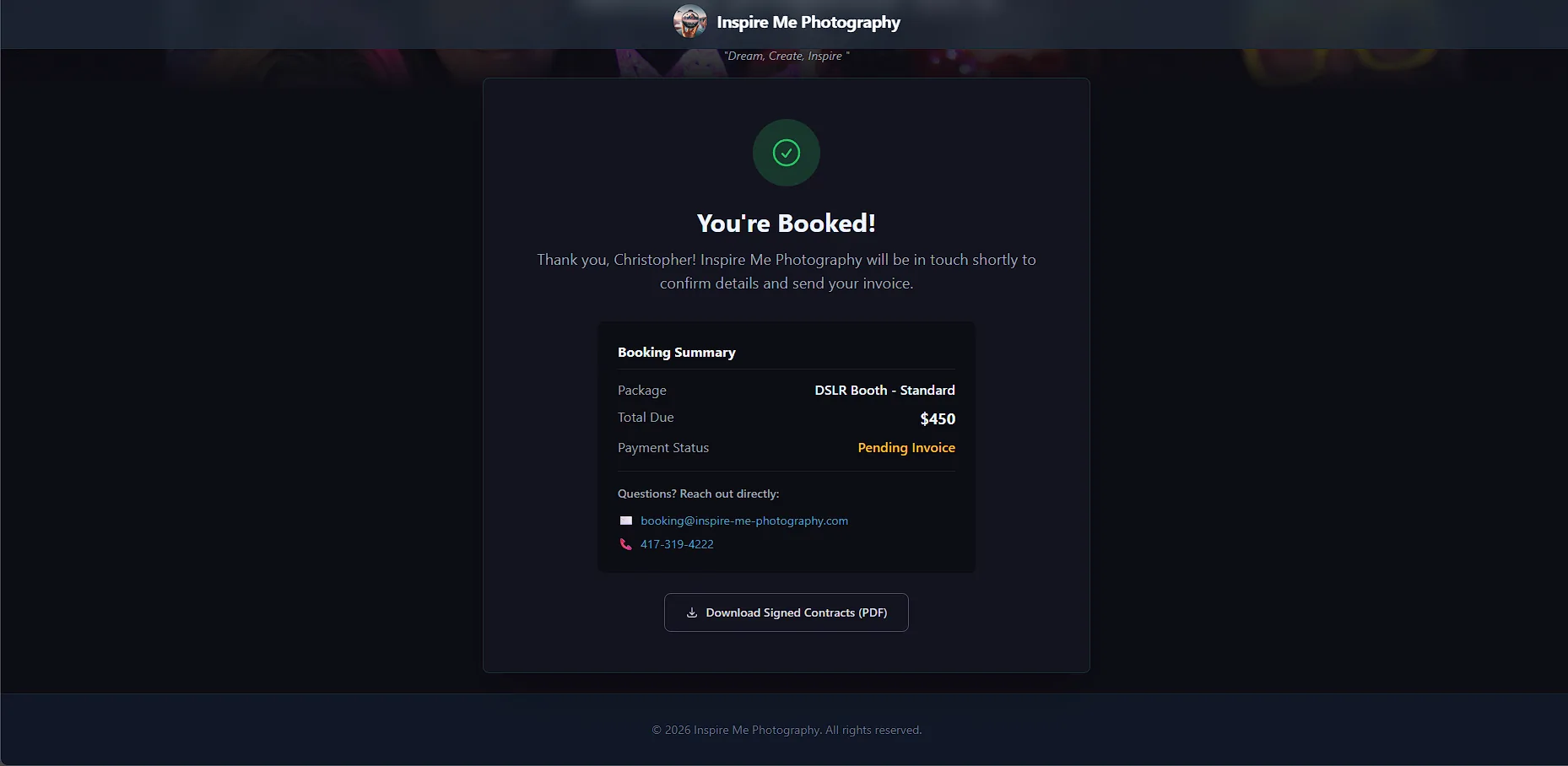
edit_calendarSelf-serve booking wizardClients pick a session type, package, add-ons, date and place. You choose which session types to offer.All plans · capped on Free
- Weddings, portraits, events, real estate, photo booth, aerial/drone
- Respects your blackout and already-booked dates
- Real-time slots and instant booking, per package
- Optional deposit through Stripe on the confirmation screen
event_availableMini sessionsFixed-slot events for one date, like Fall Minis. Each gets its own public booking page you can share anywhere.Starter+
- Set date, location, duration, price and slot count
- Watch bookings fill in real time
- Shows up on your calendar
qr_code_2Digital business cardA one-screen card built from your Brand Kit, with a QR code, Save to Contacts, a downloadable image and your phone’s share sheet.All plans · capped on Free
- Your logo, colors and fonts
- Open it from the Dashboard Share Card button
codeWebsite embed formGenerate a lead form for WordPress, Squarespace, Wix or any custom site. Submissions go straight to your Inquiries inbox.Form builder
- Match colors, fonts, corner radius and fields
- Or point an existing JotForm at FrameOps
move_to_inboxInquiry inbox & lead scoringEvery lead in one place with a status pipeline. Convert a qualified lead into a client and project in one click.Inbox on every planAI on Studio+
- AI scores each lead 0–100 and drafts a reply from your packages (25/mo on Studio)
- Analysis and suggested follow-up tasks
- Import leads from a Google Sheet
Quote it, sign it, bank it
Proposals, contracts, invoices and a client portal, all styled with your Brand Kit. Payments go straight to your own Stripe account.
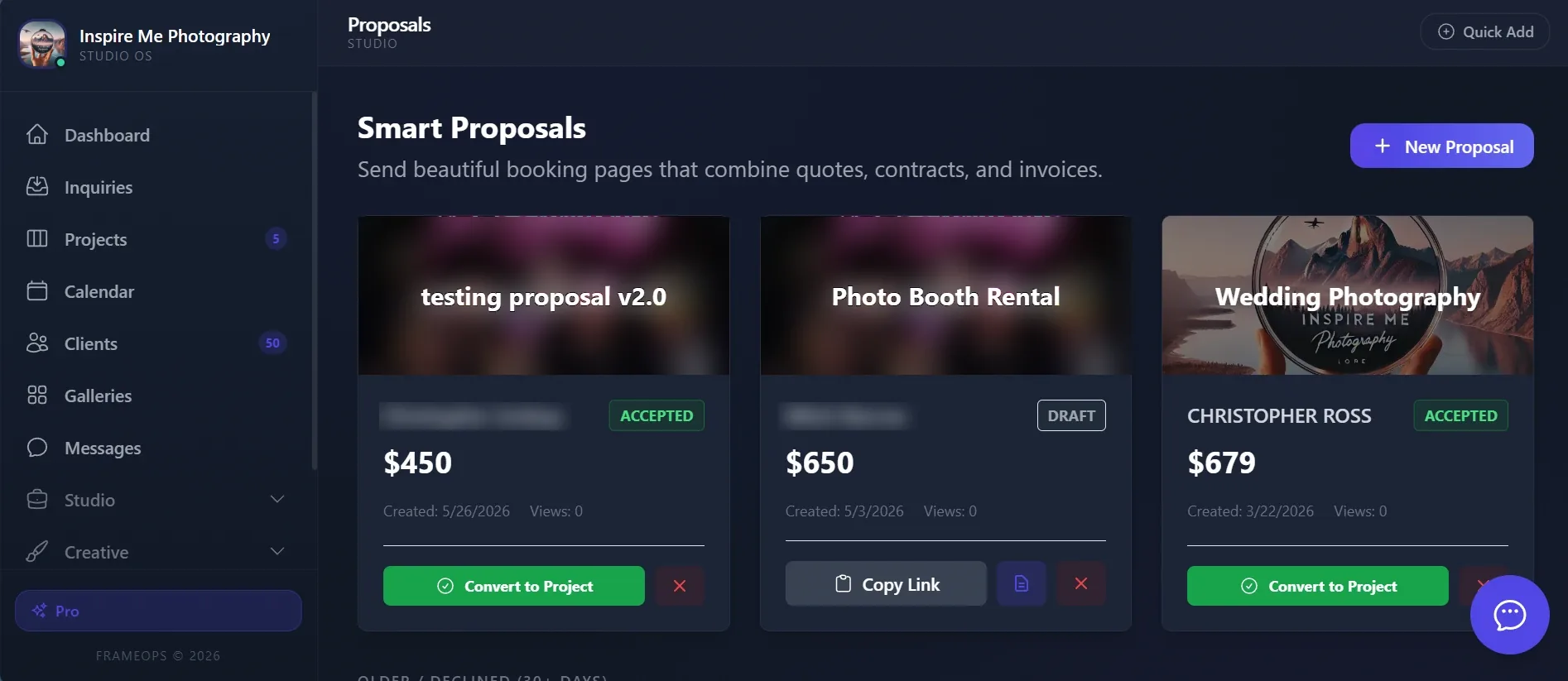
request_quoteProposalsBuild a proposal with line items, add-ons, usage rights and a cover photo. Clients accept or decline on the page and download a PDF.Drafts on FreeSend on Starter+
- AI line-item suggestions from your own packages
- Expiration dates and automatic reminders for unsigned proposals
- Convert an accepted proposal into a project
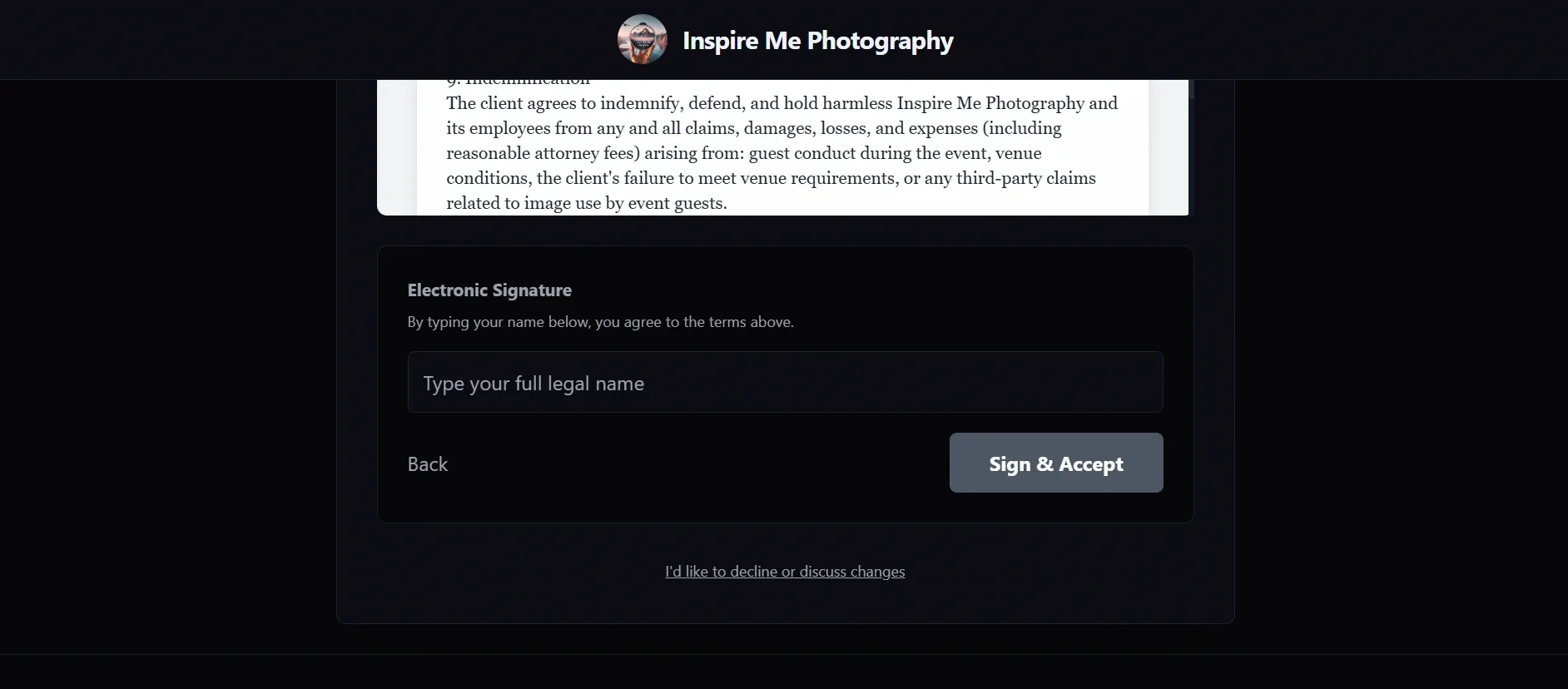
drawContracts & e-signature35+ templates for weddings, portraits, events, model releases, NDAs and more. AI drafts one from your studio info and the project.Drafts on FreeSend on Starter+
- Clients must scroll the full contract before Sign unlocks
- Name, timestamp, IP and device saved as an audit trail
- Branded PDF copy, or decline with a reason
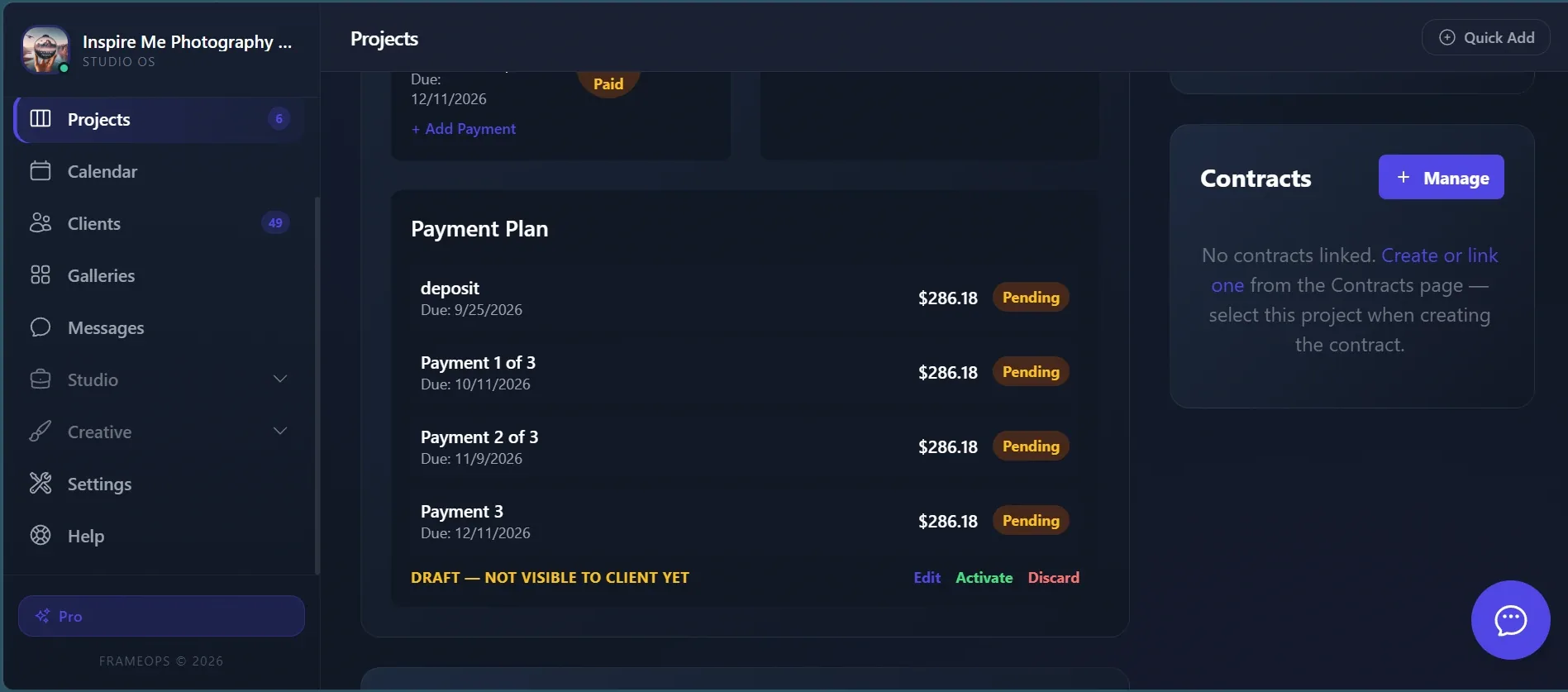
receipt_longInvoices & payment plansInvoices from any project, and payment plans that split a balance into installments clients pay online one at a time.All plans
- Drafts 1, 2 or 3 installments based on how far out the shoot is
- Activating creates a real invoice per installment
- Edit a payment in place instead of deleting and re-adding
account_balancePayments through your StripeConnect your own Stripe account and invoices and booking deposits get a real Pay Now button. The money flows straight to you.All plans
- FrameOps never touches the funds
- Separate from your own FrameOps subscription
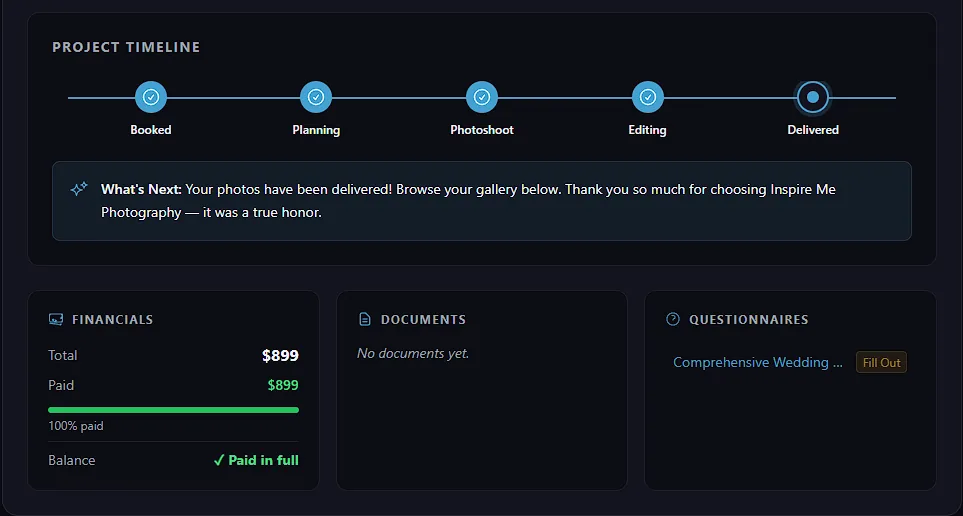
lock_personClient portal & messagesA private home for each client: documents, galleries, invoices, questionnaires and a two-way message inbox.Unbranded on FreeBranded on Starter+
- Magic-link or email-plus-PIN sign-in
- Email alerts for new messages, limited so nobody’s inbox floods
- Your branding on every page
quizQuestionnairesSend pre-shoot questionnaires and read what clients said. Build your own or let AI generate one for the session type.Questionnaires on every planAI on Studio+
- Clients answer from a public link
- AI summarizes preferences, concerns and prep actions
One page per shoot, everything on it
Timeline, money, shot list, tasks and paperwork live together, so nothing is hiding in a spreadsheet or an inbox.
assignmentProjects & CRMA pipeline across every client and job, with a detail page for each: timeline, financials, shot list, tasks, documents and email history.All plans
- Onboarding checklist reflects real contract status
- AI task lists and upsell suggestions on Studio+
- CSV import and export for clients
calendar_monthStudio calendarShoots, payment dates, reminders and mini sessions on one calendar. Drag events between days.Calendar on every planGoogle sync on Starter+
- Sync to Google Calendar on Starter+
- Reminders show on both the calendar and your Dashboard
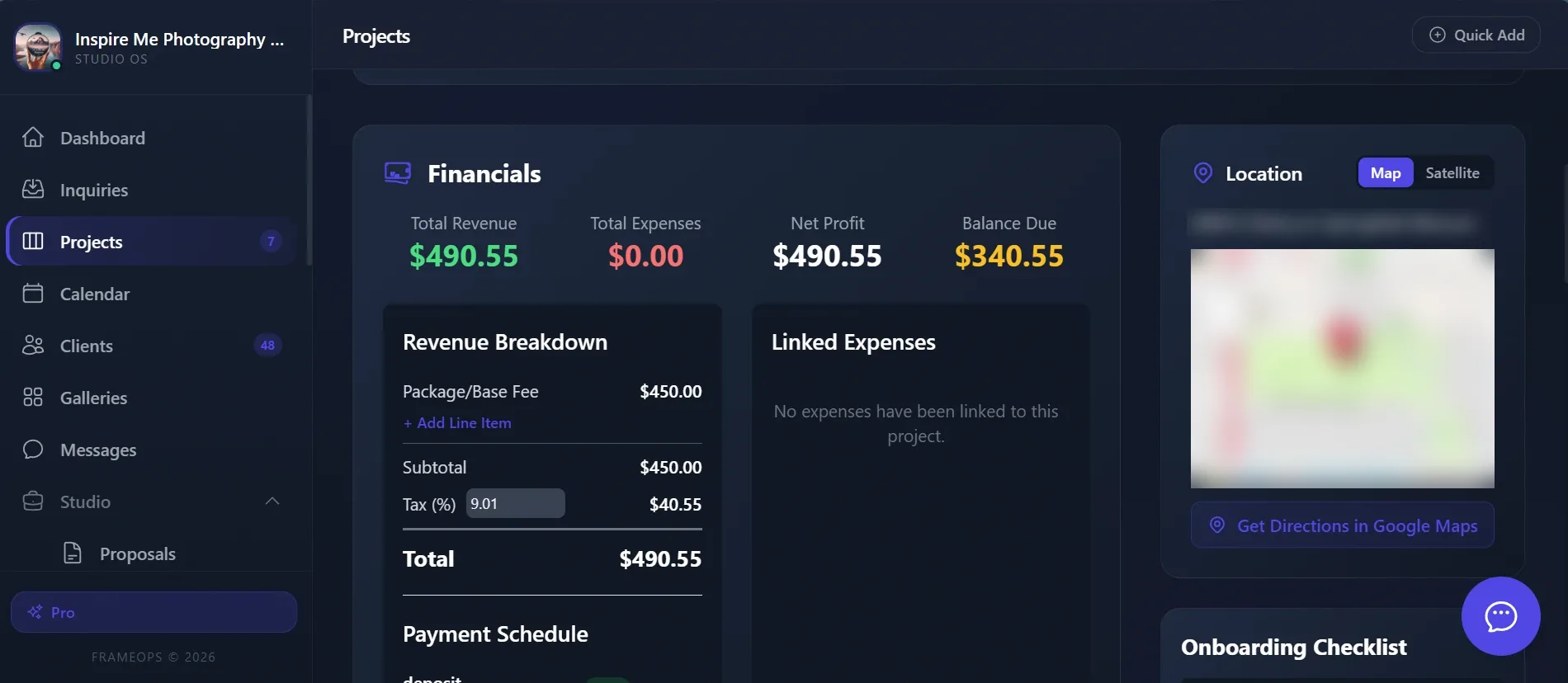
account_balance_walletFinance trackerRevenue, pipeline and expenses with recurring costs, plus a mileage log that calculates driving distance and multiplies by your rate.All plans
- Expense categories and receipt photos
- Export to Google Sheets for your accountant
- Net profit by project
document_scannerAI receipt scannerSnap a receipt and the vendor, amount, date and category fill in. Confirm and save, or ask the assistant to log it.Studio+
- Receipt photo stays attached to the expense
edit_noteNotebookNotes, ideas, concepts and voice memos linked to clients and projects. Record one in the parking lot and it’s transcribed for you.All plans
- Filter by type, search by title
exploreScheduling & location scoutingTurn a project into a calendar event, and scout shoot locations with an interactive map, sun and golden-hour times, and a National Weather Service forecast for your shoot hours (US locations).Studio+
- Save spots and attach one to a project with its exact pin
- Clients get directions in their portal
Make delivery feel premium
Galleries, albums and AI editing, all inside the platform you already use to run the job.
photo_libraryClient galleriesShare a branded gallery where clients browse, favorite and download. You control exactly how it’s accessed.Free: 1 galleryStarter: 10
- View PIN, expiry date and one-click archive
- Full-resolution, web-size or downloads off, plus a watermark overlay
- MLS-ready exports for real estate
auto_storiesAlbum designer & editorLet AI lay out a full digital album as a first draft, then fine-tune it in a drag-and-drop editor. Clients get a cinematic page-by-page viewer.Editor on every planAI layout on Studio+
- Single, two-up, three-up and one-large-plus-two-small layouts
- Clients can download photos or print the album to PDF
menu_bookGallery StoryAI reads the project and writes a personal narrative that sits on the gallery page. Great for delivery emails and social posts.Studio+
- 15 per month on Studio, uncapped on Pro
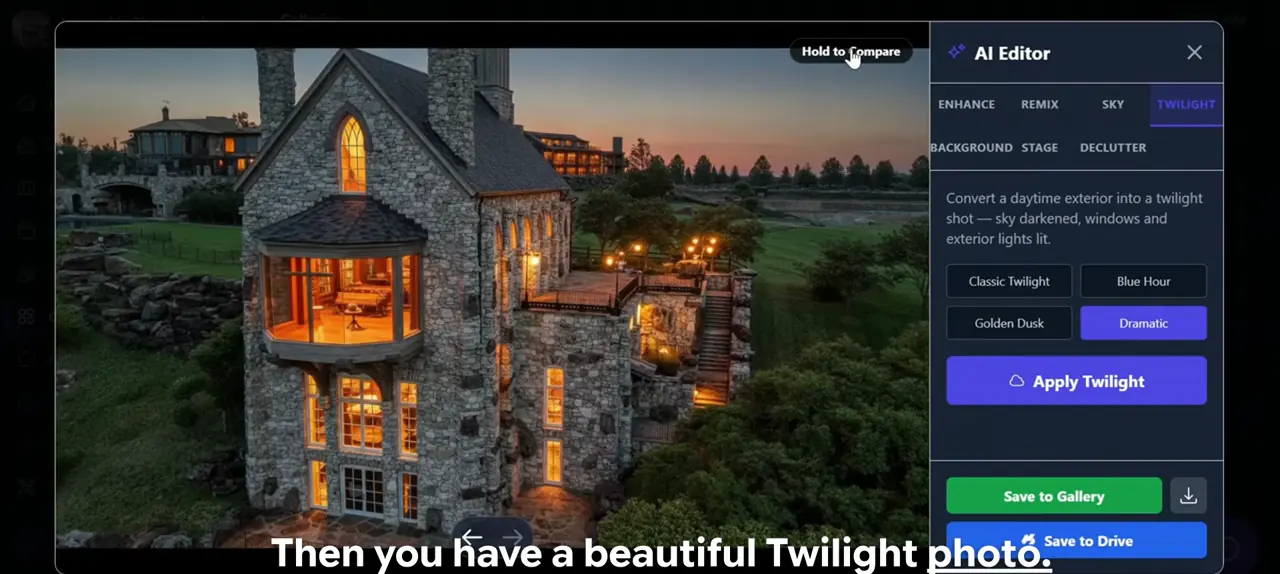
auto_fix_highAI photo editingEnhance, replace a background or sky, convert a day exterior to twilight, stage or declutter a room, remix a style, or retouch portraits.Studio: 20 / moPro: unlimited
- Hold to compare, undo, and save back to the gallery
Real screen recordings of the FrameOps AI Editor
Also in the editor: Enhance, Remix, Virtual Staging and Declutter. A fast second pair of hands, not a replacement for your Lightroom workflow.
AI that does the work, not just the talking
Studio gets monthly allowances for each AI tool. Pro and the 14-day trial have no caps. Higher-stakes actions wait for your confirmation.
AI Assistant
Ask by text or voice. It reads and changes your real data with 40+ tools: clients, projects, expenses, invoices, reminders, rescheduling, drafts and more.
- Confirm cards before higher-stakes actions
- One-tap Undo and Redo on every change
- Won’t create or edit contracts or workflows, and never marks an inquiry Booked
Illustrative · Confirm first, undo anything
Example: you say “The Garcias paid their deposit.” The assistant marks that payment paid and offers Undo.
Long-term memory
Tell it something once and every future chat starts knowing it. Client-specific memories stay tied to that client.
- Up to 100 memories of up to 300 characters
- Shared with the Telegram bot
- Read, add or delete them in the Memory panel
“Remember that I never shoot on Sundays.”Say it in the app or in Telegram
Daily Briefing
Your day, prioritized, built from your shoots, invoices, inquiries and reminders. Every plan gets the whole briefing, including a National Weather Service forecast for your US shoots. Studio and Pro add an AI note with your top next steps.
- AI note: 20 per month on Studio, uncapped on Pro
Lead scoring & replies
Automatic 0–100 scores with the reason, and a reply drafted from your packages for you to review.
- 25 per month on Studio, uncapped on Pro
- Reads your Business Brain documents on Pro
Illustrative
Business Analyst
Profit per project, P&L reports, pricing suggestions and forecasts from your real numbers. Ask it questions in plain English.
- Export reports to Google Sheets
- Pricing suggestions from your own history
Illustrative data
Marketing Assistant
Draft social captions from a photo, full blog posts and client newsletters in your tone. Nothing publishes automatically.
- 15 social, 10 blog and 10 newsletter drafts a month on Studio
Telegram bot
Get alerts when a lead or payment lands and chat with your assistant from your phone, with the same memory as the app.
- Choose which alerts you want: client activity, money, schedule, projects
Illustrative
Hands-free voice
A full voice loop: you speak, it answers aloud, and the mic reopens on its own. Built for driving between shoots.
- You speak
- It sends when you stop
- It answers aloud
- The mic reopens
Business Brain
Upload your price guide, brand voice notes, FAQ and policies. The AI reads them when it answers, drafts and replies.
- PDF, TXT and Markdown files
Creative Assistant
Categorized shot lists from a brief, and 10–15 creative ideas for any theme or mood. Save to a project or your notebook.
“Romantic sunset beach engagement for Sarah and Mike. They’re outdoorsy and low-key.”The more specific the brief, the better the list
AI culling
Scores sharpness, exposure, composition and emotion, then recommends Keep or Reject with a reason. You make the final call.
- Adjustable sharpness threshold
- Save the keepers straight to a gallery
Illustrative · Sample frames
On-Set Director
A live voice assistant for the shoot. It tracks your shot list, suggests poses and lighting, and recalls the client brief.
- Checks shots off when you call them out
- Works from the shot list on your project
Illustrative · Shot list syncs from your project
The follow-up happens anyway
Workflows watch for a trigger and have the AI draft the next step. You approve the drafts. Starter saves 3, Studio 10, Pro unlimited.
Or build your own: pick a trigger, an optional condition on project name or fee, an action, and a delay in days.
mark_email_readInquiry automationAuto-enrich new inquiries with an analysis, score, tasks and a draft reply, and get nudged when one sits unanswered.Studio+
- Set the response-time reminder in hours
- Auto-draft replies for imported Google Sheet leads
forward_to_inboxAuto-responders & project templatesReusable emails tied to triggers, plus reusable default task lists you can write yourself or generate with AI.Starter+
- Triggers include new project, status change, signed document and completed questionnaire
Built so you can rely on it
Your money, your data and your clients’ access are all things you control.
Ready to run your studio your way?
Apply to be one of 30 founding photographers: Pro features and 300 GB of storage, free during the founding period.